Telegram Alerts for Smart Contract Fuzzing
Alerts allow you to receive notifications when properties break during one of your runs to allow you to quickly take action. They can be added to any recipe and specify whether an alert should trigger a Webhook or send a message on Telegram.
Video Tutorial: Alerts (2min)
Access Recon Alerts at: getrecon.xyz/dashboard/recipes
Note: Needs a Recipe first to be created. The alerts are created in the same page.
Creating, Updating, and Viewing Alerts
Navigate to a Recipe
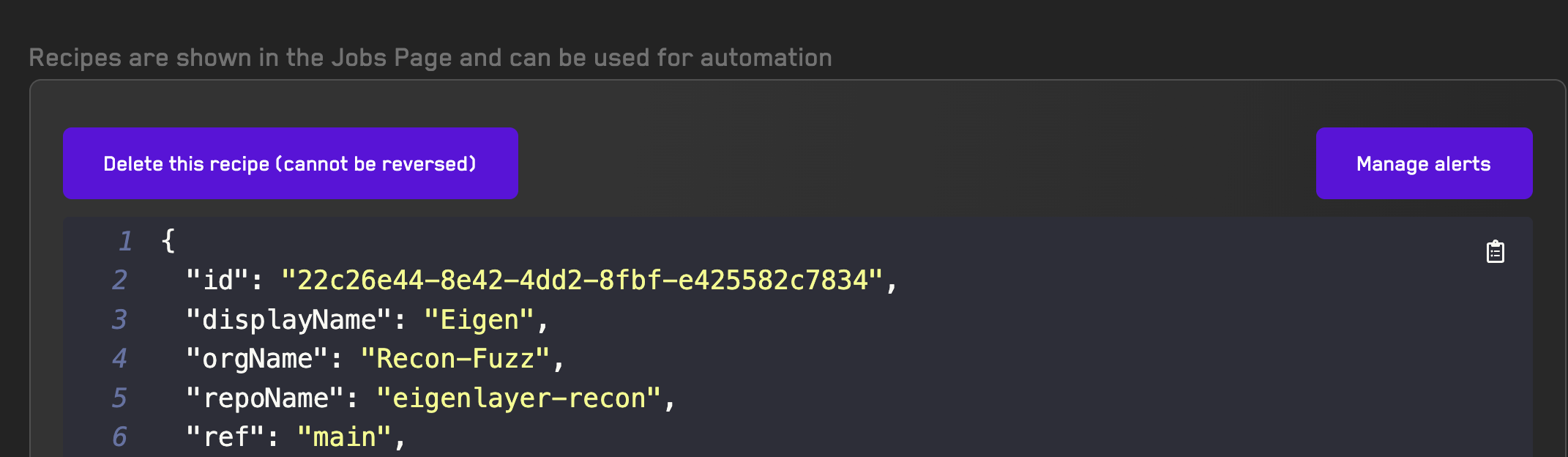 Click the Manage Alerts button on the top right which will redirected you to a page that allows you to create and modify alerts for a given recipe.
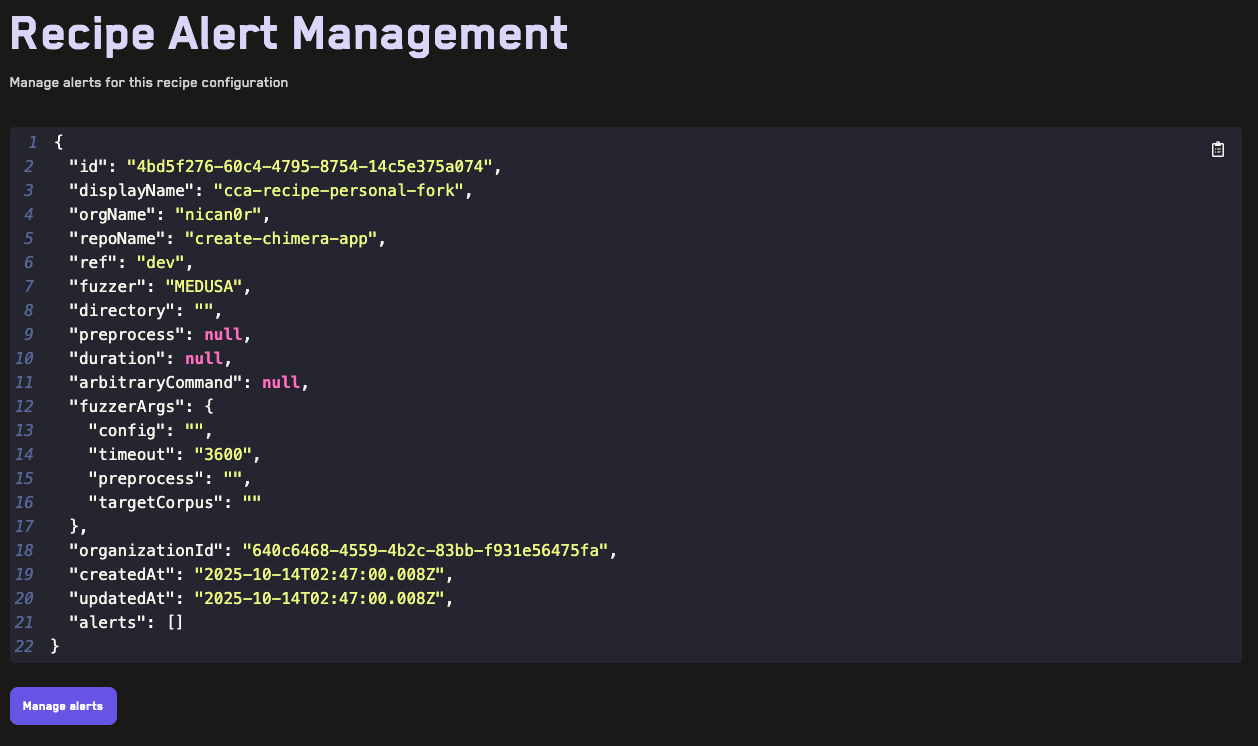
Scrolling down and clicking the Manage Alerts button displays all existing alerts attached to this Recipe and allows creating new alerts.
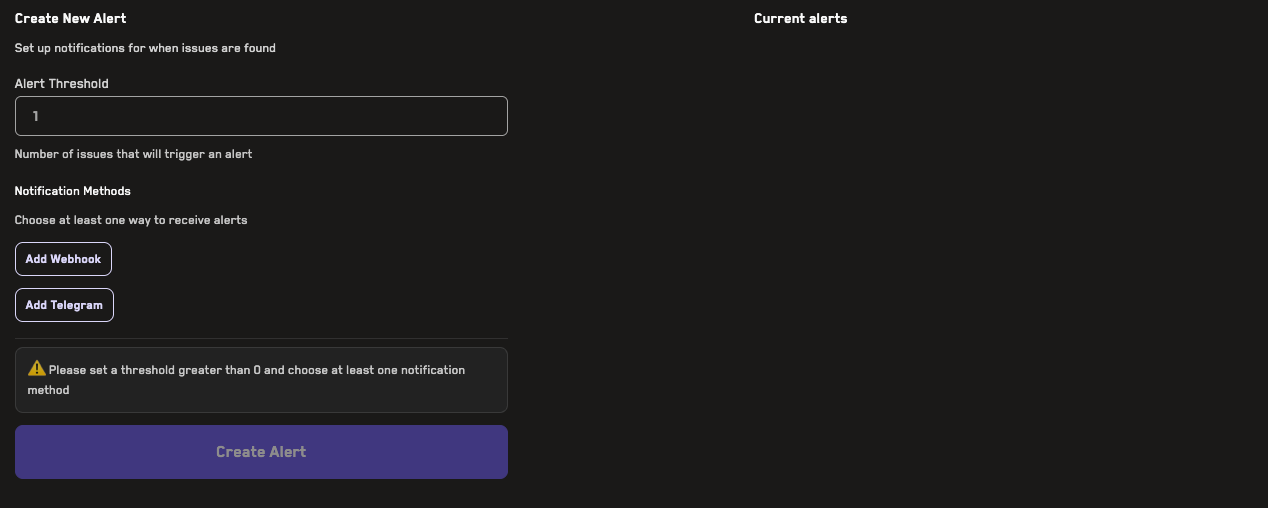
Each alert requires specifying a threshold which is the number of properties that will trigger the alert.
Telegram Alerts
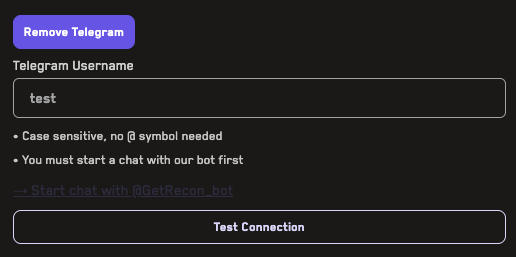
For Telegram alerts, you simply have to specify your Telegram username in the form field.
Before creating a Telegram alert you must click the Test Connection button which will send a message to our Telegram Bot: @GetRecon_bot. Always confirm the ID of the bot and message us on discord if you have any questions.
Webhook Alerts
For webhooks, you can provide any URL:
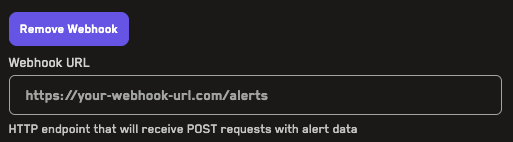
Which will be sent the following payload to it once an alert is triggered:
{
  alerted: string,
  jobId: string,
  broken property: string,
  sequence: string
}
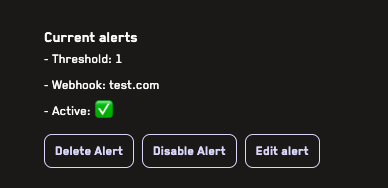
Modifying Alerts
Once you have an existing alert you can delete, disable, or edit it on the right hand side: